Help and Notes
Open the Help and Notes window by going to Help → About, Help → Quick Help and Notes, or pressing F1.
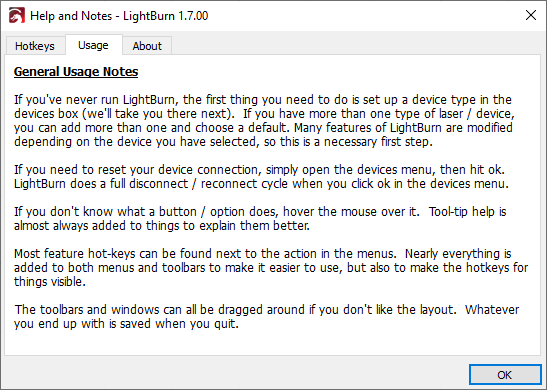
This window has three tabs:
- Hotkeys summarizes some of the most frequently used mouse and keyboard shortcuts. See Hotkey Editor for information on setting custom hotkeys.
- Usage contains tips to help you get started.
- About contains information about the version of LightBurn installed on your computer.